Read, edit & sign PDF with PDFZone
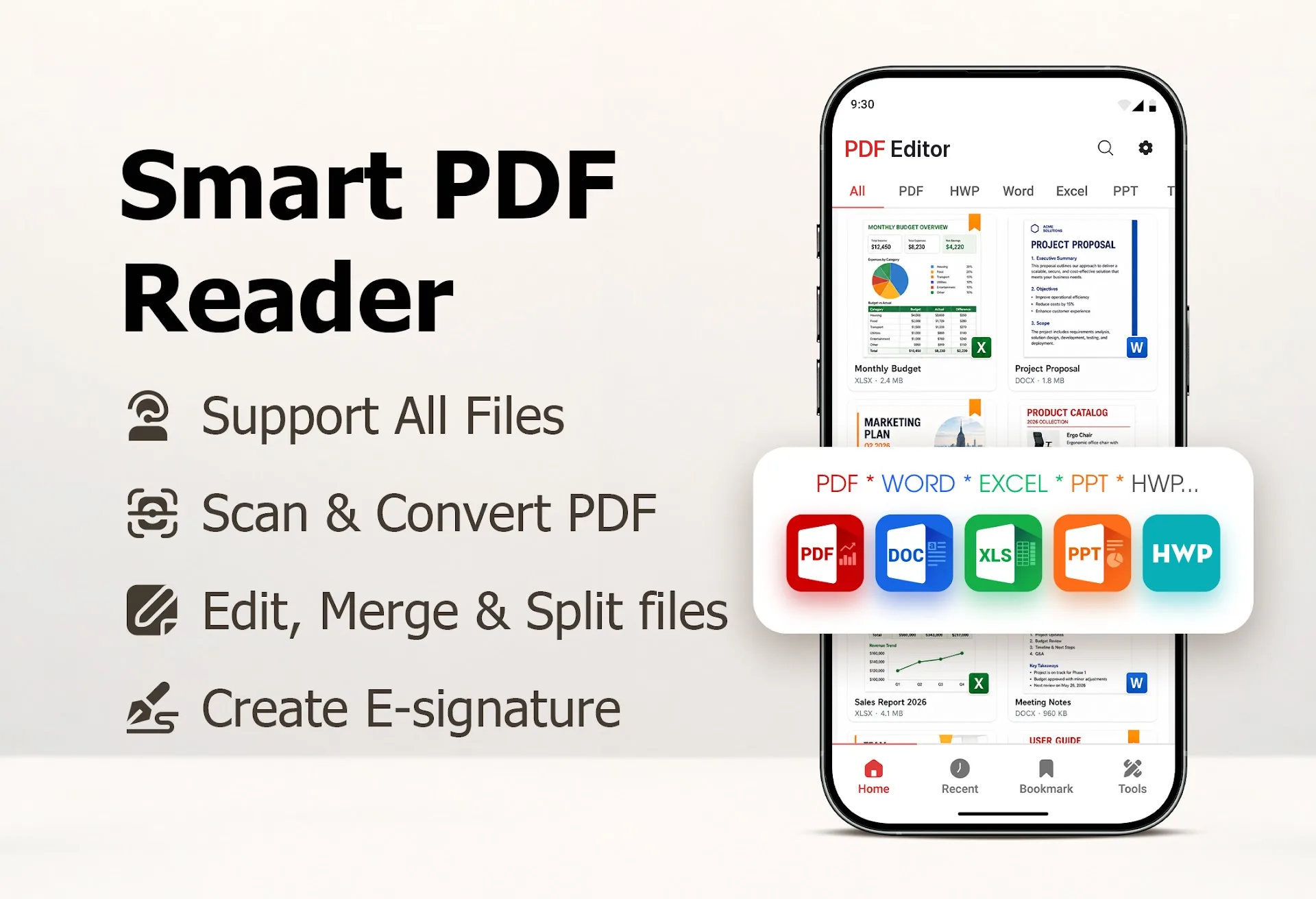
✏️ PDF Reader & Editor lets you read PDFs and make quick edits — sign, annotate, merge, split and compress.
Read & edit PDF: sign, annotate, merge, split, compress and convert images.
Read & edit PDF: sign, annotate, merge, split, compress and convert images.
Open PDF, Word, Excel, PPT, TXT and HWP files with smooth zoom and bookmarks.
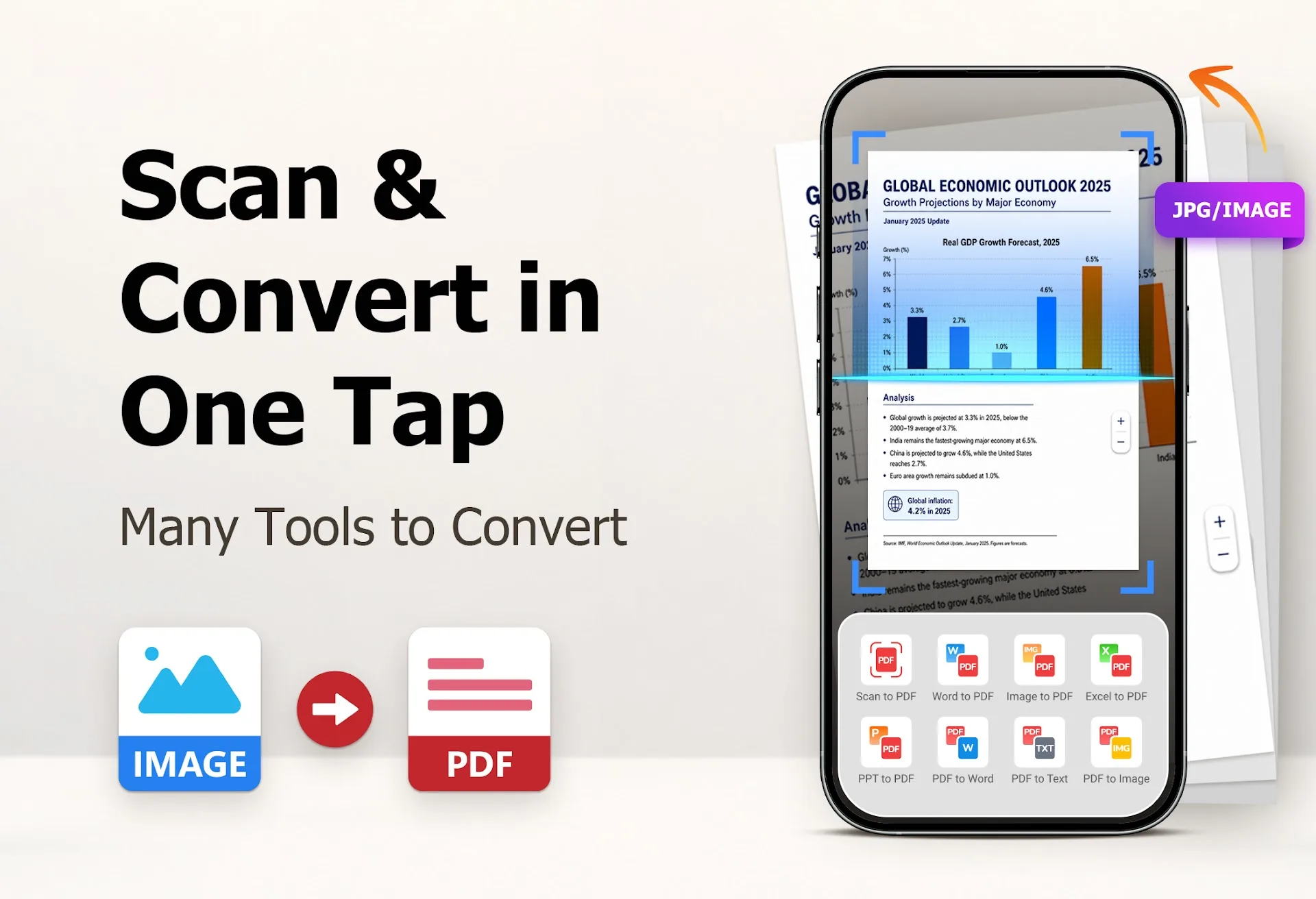
Scan paper with your camera and convert images to PDF in one tap.
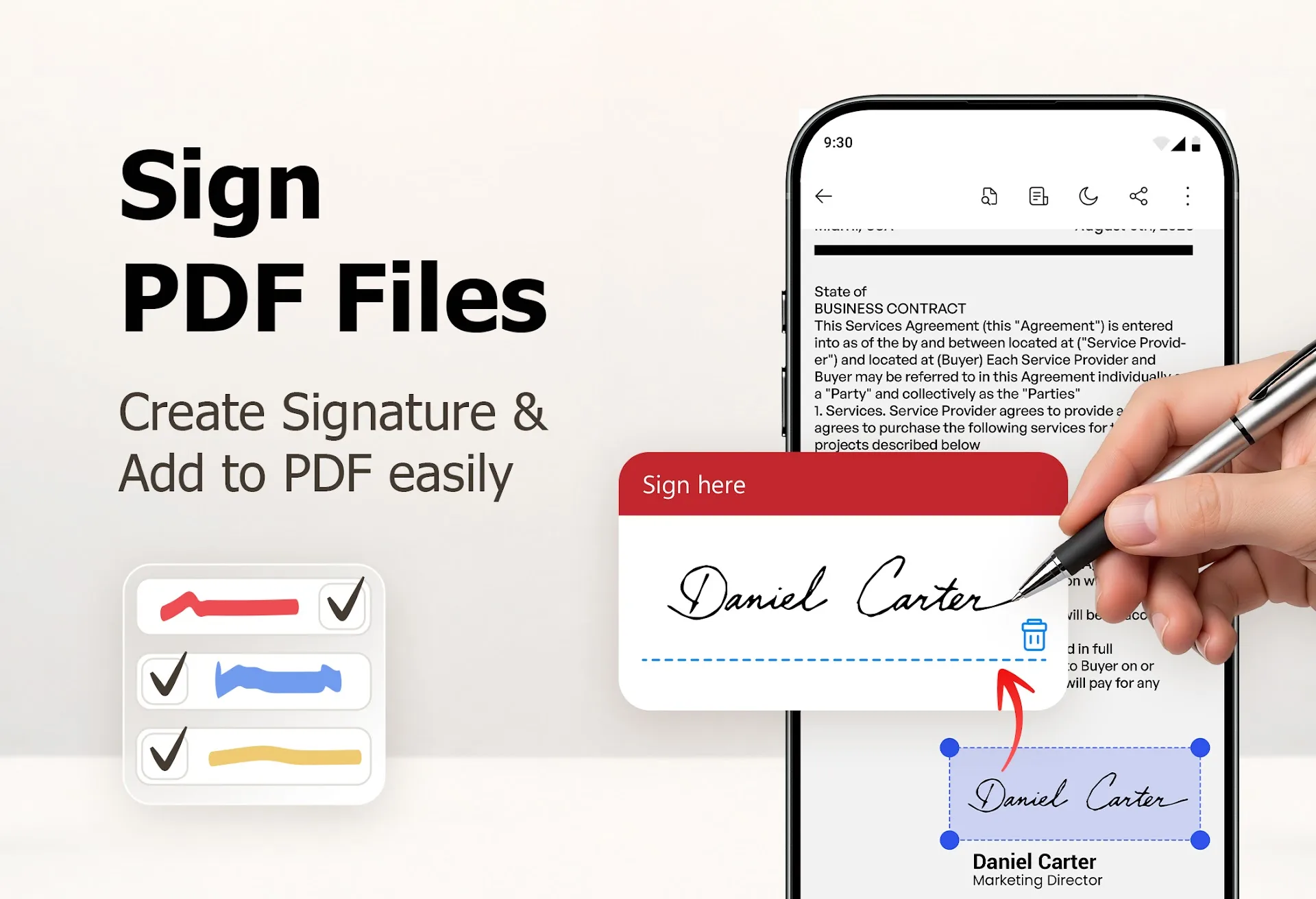
Create an e-signature and add it to any document.
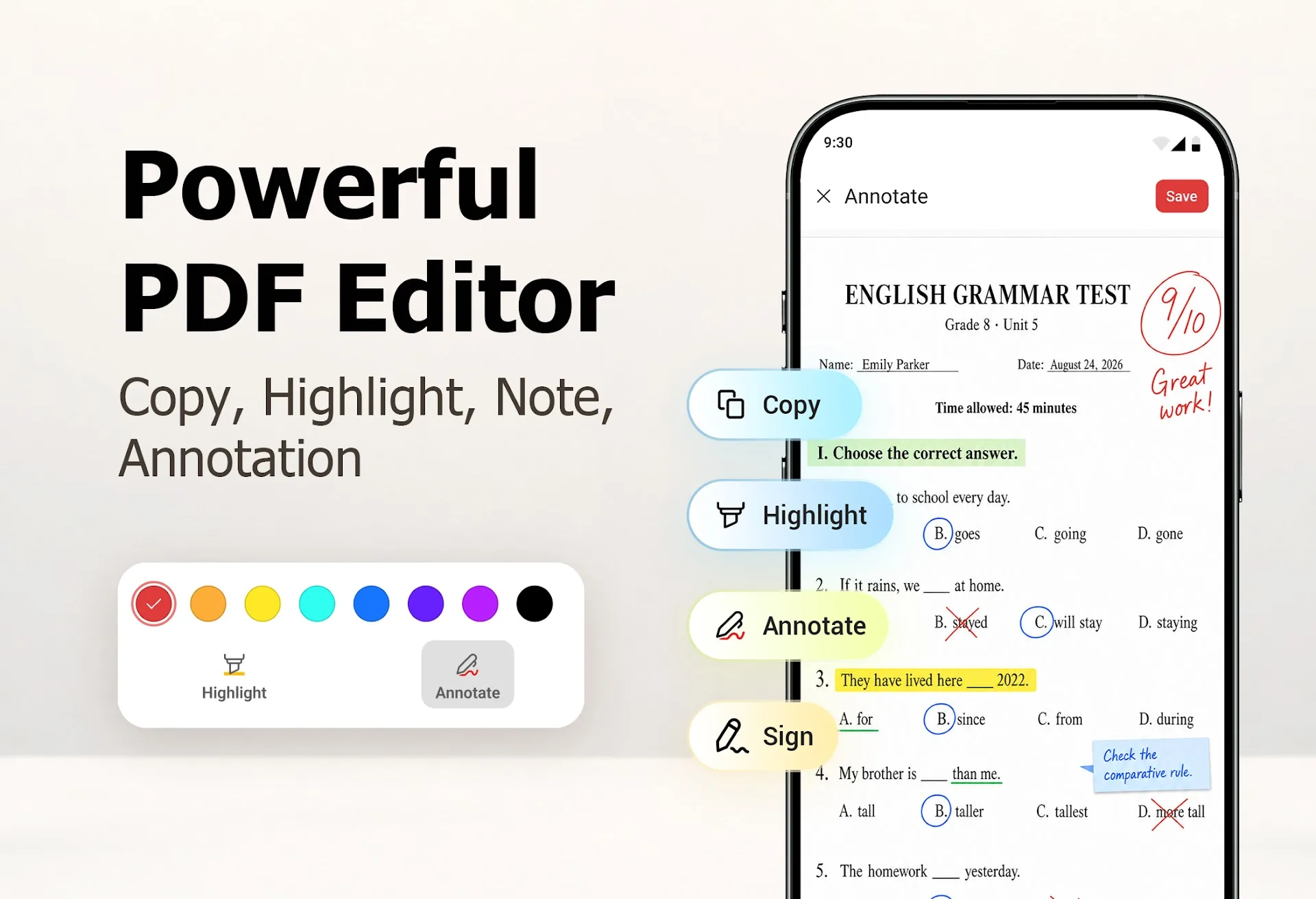
Copy, highlight, note and annotate text.
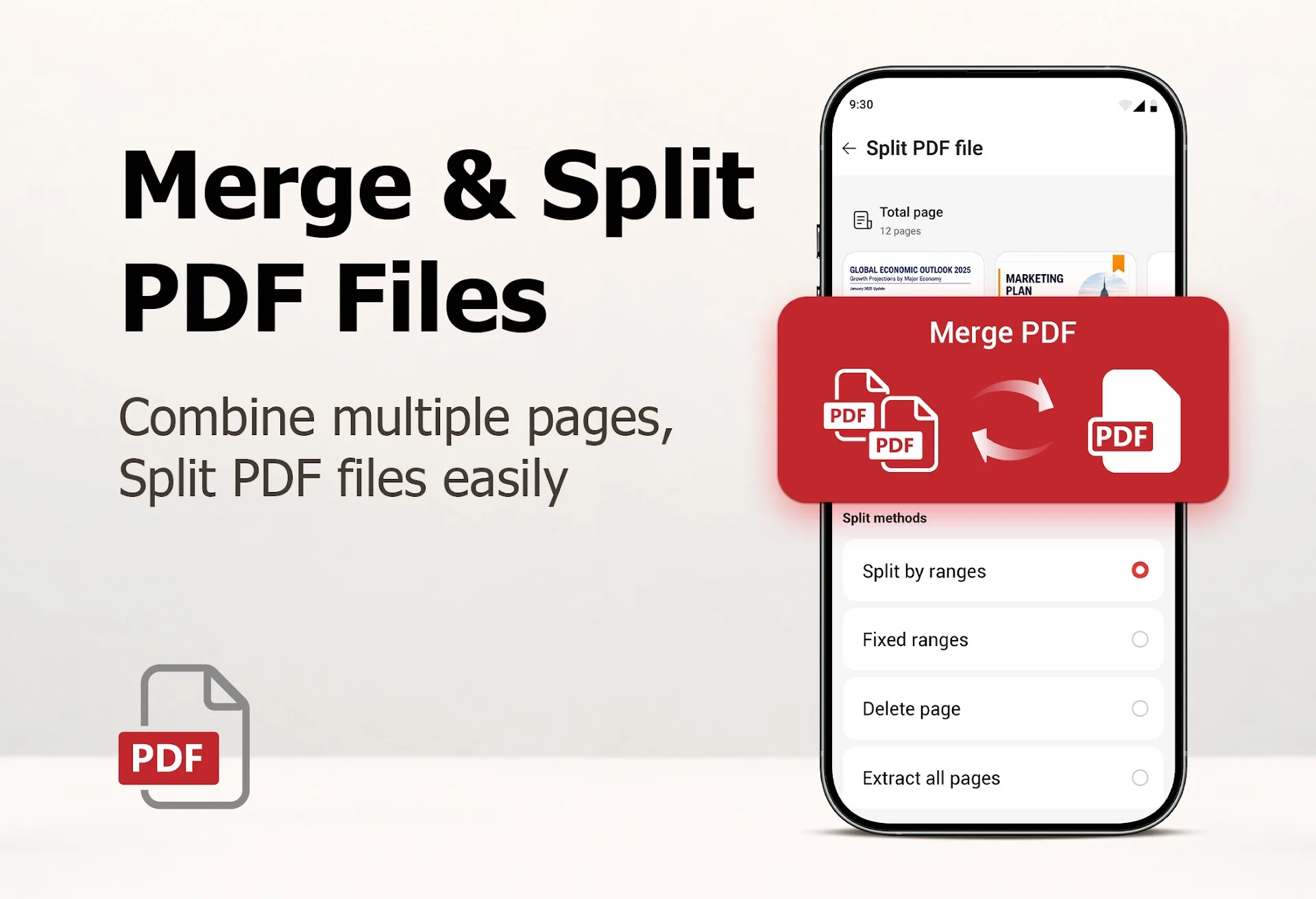
Combine PDFs or split out the pages you need.
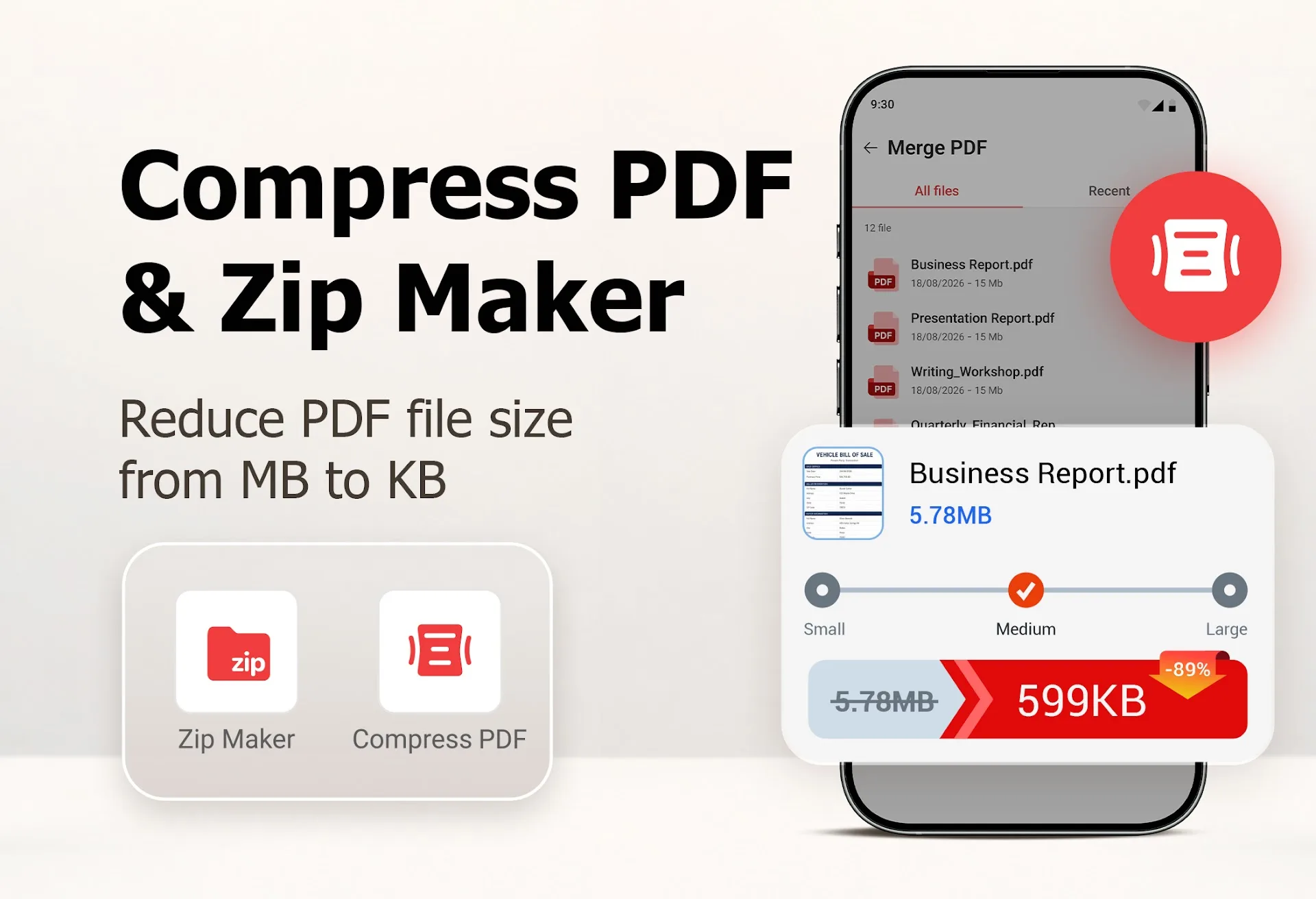
Shrink large PDFs from MB to KB.
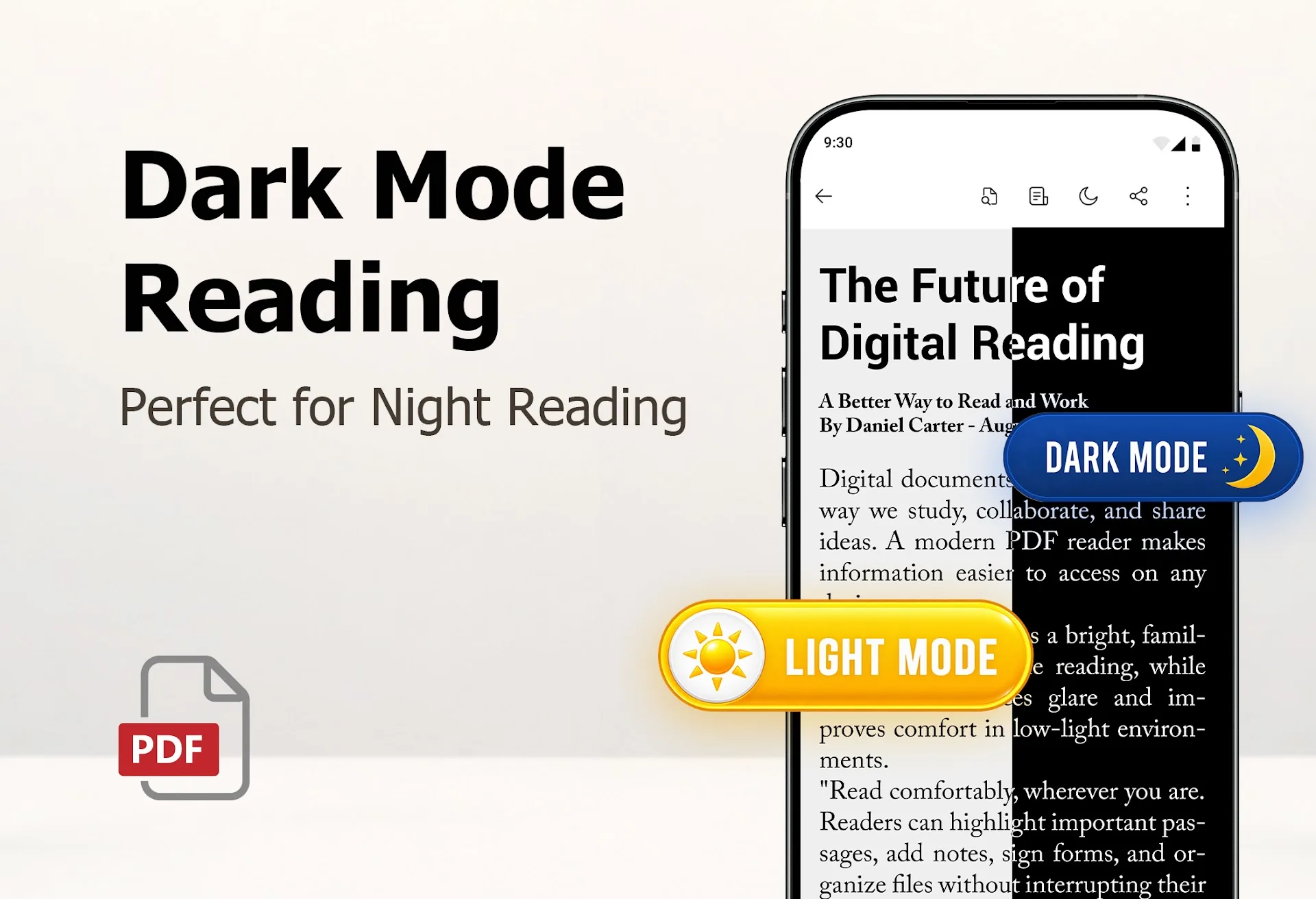
Comfortable reading at night.
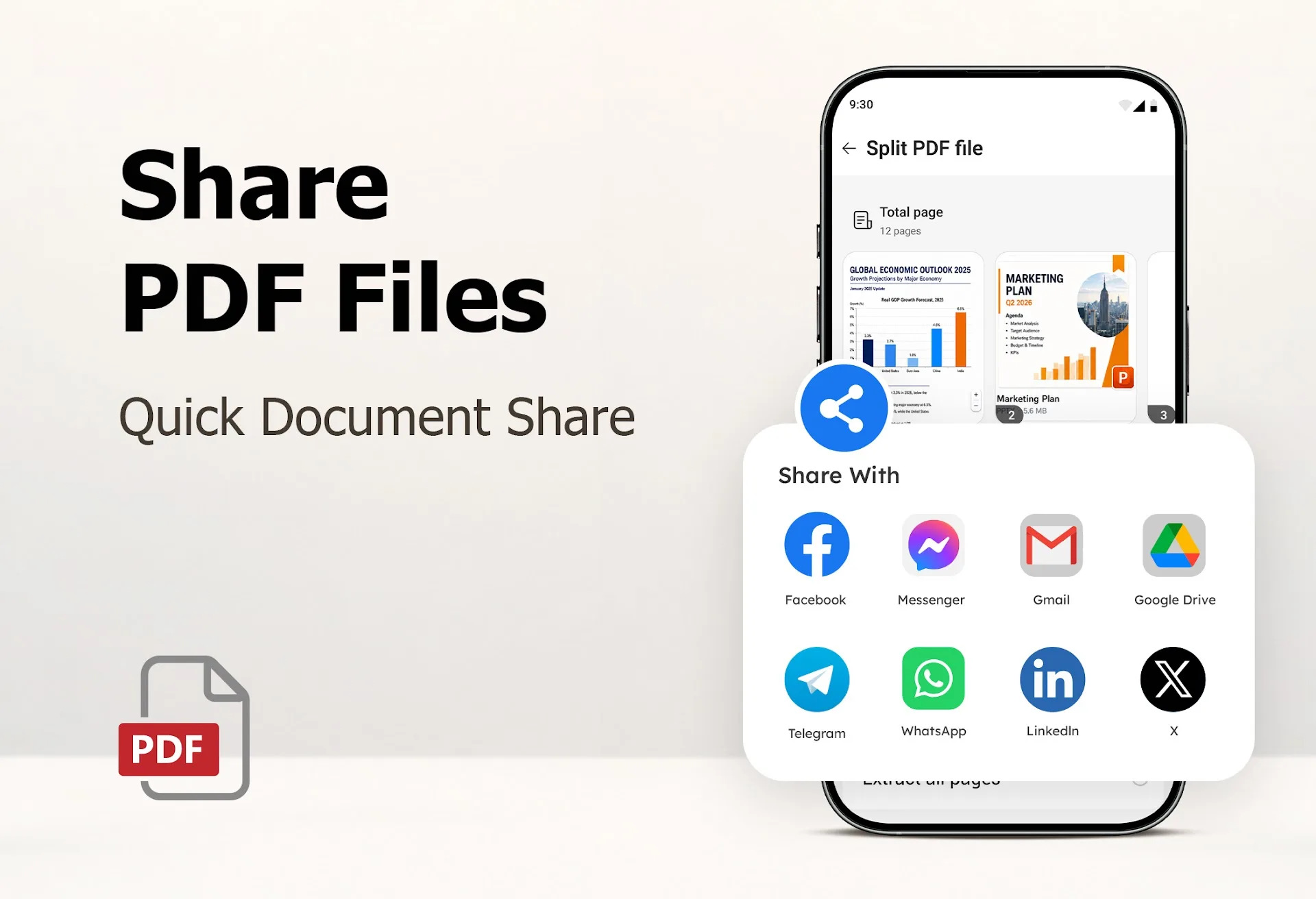
Send files to any app in seconds.
Every screen below is a real part of PDFZone.
PDFZone opens, edits and signs your documents on your device. Editing, signing, scanning and conversion happen locally — the app does not upload your files to our servers.
The app accesses only the files you choose, to open and work on them. When you scan or convert, the result is saved by you on your device. The app is free with ads and optional in-app purchases.
Install PDF Reader & Editor and get PDF work done on the go.